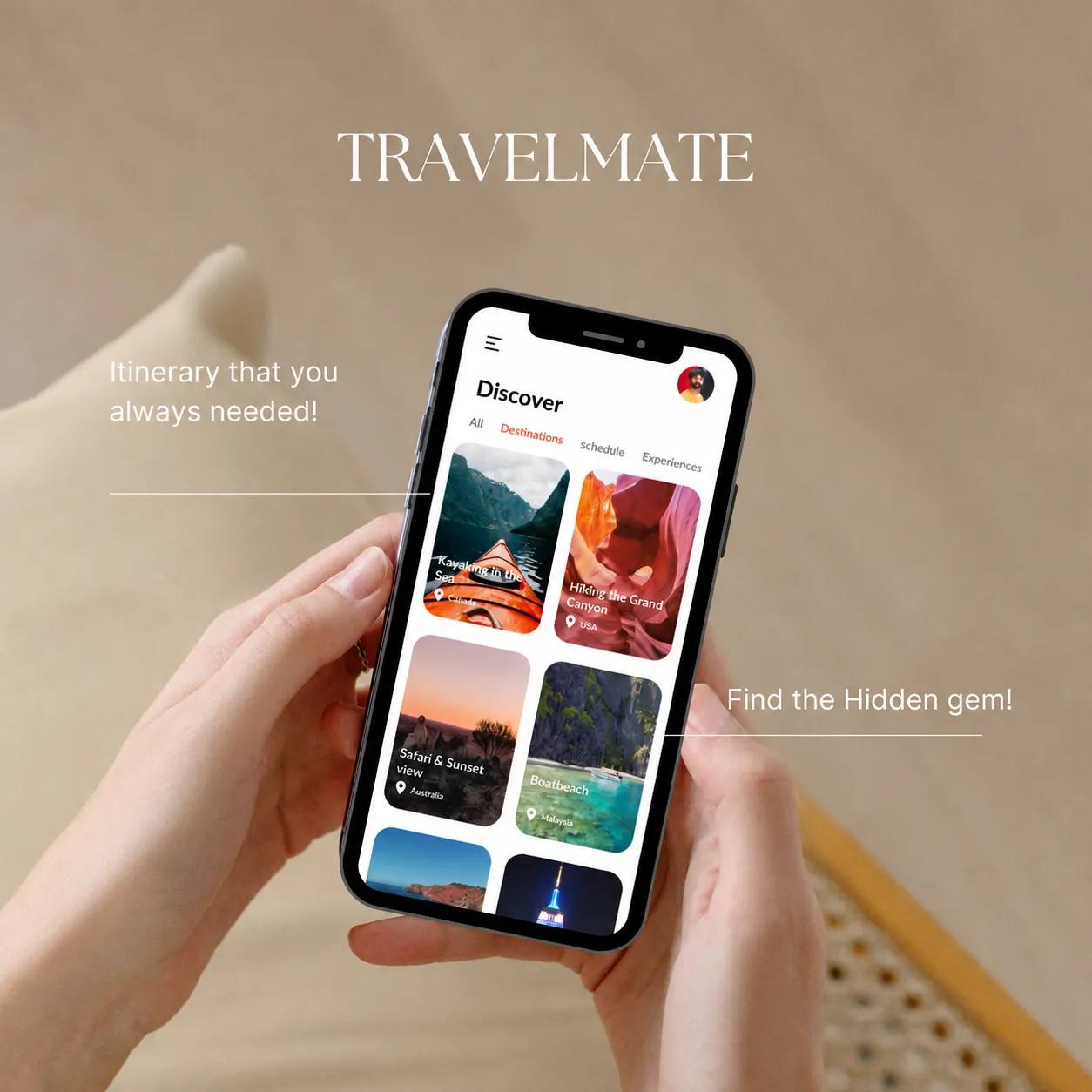
A mobile app is judged in seconds: can I find what I need, and does it feel like the same brand? We design the UI and flows for iOS and Android: the screens, the paths between them and the visual system behind them, so the app is clear to use and recognisably yours.
Several of our projects pair the identity with the app, so the logo and the interface are designed together. See Walk Dog, TravelMate and OptiWell.
What's included in mobile app design
- App UI for iOS and Android
- User flows for the core journeys
- Wireframes, where scoped
- High-fidelity screens
- A reusable component and style system
- A clickable prototype, where scoped
App development is scoped separately.
Who mobile app design suits
- Startups preparing a first app that need UI and flows before development
- Businesses with a brand identity who want the app to carry it
- Teams that need organised screens and flows ready for developers
- Founders who want the logo and the app designed together
Signs your app needs a design pass
- People get lost between screens or give up before finishing a task
- The app does not look like your brand or your website
- The iOS and Android versions feel inconsistent
- Developers are building from sketches or from screens that do not match
- New features are added screen by screen with no shared system
How app design runs, and what each stage produces
- 01
Understand
Goals, users and constraints.
Produces
- A short brief: what the app must do, and for whom
- 02
Flows
The paths a user takes through the app.
Produces
- User flows for the core journeys
- Wireframes, where scoped
- 03
Screens
UI design for iOS and Android.
Produces
- High-fidelity screens
- A reusable component and style system
- A clickable prototype, where scoped
- 04
Handoff
Files and notes for developers.
Produces
- Organised design files
- Specs and exported assets for the build
Files and ownership: what you receive
- Design files with the screens, flows and components
- Exported assets such as icons and images, ready for development
- Notes for developers on spacing, states and behaviour
Whether iOS and Android are designed together or separately is confirmed in scope. Rights in the approved design are set out in the proposal.
What affects the scope and cost of app design
A handful of core screens and a full app with many flows are different projects, so each proposal states the screens, flows and files included.
- The number of screens and flows
- iOS only, or iOS and Android
- Whether research, wireframes or a clickable prototype are needed
- How deep the design system needs to be
- The handoff you need for developers